
Check Your Steam Library for VR Mods
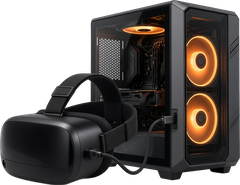
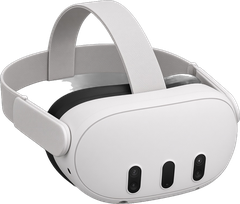
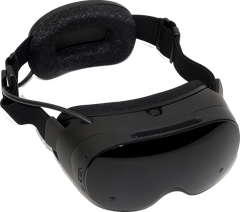
Which of the games you already own can you play in VR? Paste your Steam games below and we'll show every VR mod and port UnflatVR lists for them, on PCVR, Quest and Steam Frame.
How to get your game list
- In a browser, sign in to Steam and open your games list:
steamcommunity.com/my/games/?tab=all - Select everything on the page (Ctrl+A, or Cmd+A on a Mac), copy it, and paste it in the box below. Extra lines like play time are fine; we skip them.
- Or type game names one per line, or paste Steam store links or app IDs.
What this does with your data
Nothing leaves your browser. The check runs on this page against the list of 619 games we publish (521 of them matched to their Steam app ID); what you paste isn't sent or saved anywhere. You don't need to sign in or share a Steam key.
Matching is by Steam app ID or the game's exact name, so a game listed under a different edition name may not show up. Search the VR mods directory to be sure. The list of games updates regularly.