
How to Play Flat Games in VR: Getting Started
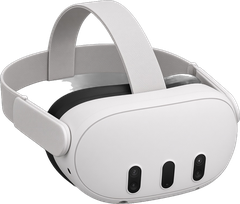
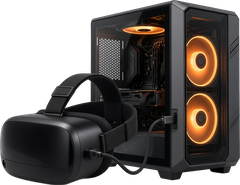
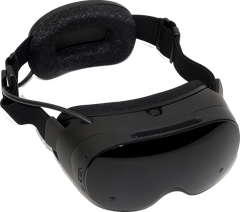
There are three ways to play a flat game in VR: a VR mod made for that one game, a universal tool like UEVR that works across many games, or a standalone port that runs right on a Quest or Steam Frame. New to this? No worries. This is the stuff we wish someone had told us the first time we plugged a Quest into a PC.

Moddy saysNew here? Start with a Game Hub. It shows every VR version of a game side by side.
1. A VR mod made for one game
Someone has rebuilt that game for VR: head tracking, a proper 3D view and often motion controls. You install it on top of your own copy of the game. Find them in the VR mods directory, or start with a Game Hub to see every VR version of a game side by side.
2. A universal tool
Tools like UEVR inject VR into many games built on the same engine, so one download covers a lot of your library. See VR mod frameworks and tools, explained and Utilities.
3. A standalone port
Some games are rebuilt to run right on the headset, no PC needed. Most need files from your own copy of the original game. Browse Quest mods and Steam Frame mods.
Pick your next guide
Every guide ends each step with a link to the official guide, because those stay up to date and the people who make the hardware know it best.
- How to Sideload VR Mods and Ports on Quest
- How to Install PC VR Mods
- Steam Frame VR Mods: On the Headset and Streamed from a PC
- How to Use Your Own Game Files for VR Mods, Legally
- VR Mod Troubleshooting
Moddy saysNot sure what you already own works in VR? Check your Steam library. Questions about what we list? See the FAQ.